A cupboard office is appealing because the desk can disappear from the room after work. The practical question comes earlier: can you actually sit and work in the opening? A shallow shelf inside attractive doors may leave your knees against the back panel and your face too close to a screen. Open doors can also occupy the space needed to turn the chair or reach the room's entrance.
Use an existing built-in recess only after checking its purpose, condition and any services inside. The two original concepts here use independently supported desks in open recesses. They are layout ideas, not instructions for modifying structural joinery, electrical installations or a named storage product. A purpose-built workstation is often simpler than converting a cabinet that was designed only to store belongings.
Rule out unsuitable cupboards first
Do not plan an office inside a cupboard containing heating equipment, electrical distribution equipment, plumbing access that must remain available or required ventilation openings. Do not remove doors, cut panels or alter built-in services to make a desk fit without the appropriate owner approval and qualified advice. In a rental, document the existing condition and ask permission before changing fixed joinery.
A freestanding wardrobe is a separate case from a built-in recess. Its shelves and back may not be suitable for desk loads, and alterations can change stability. Follow the exact manufacturer's securing instructions. For example, IKEA's IDANÄS cabinet, article 204.588.23, requires wall anchoring; its listing is not approval to convert it into an office. A removable look does not justify omitting a required fixing.
Independent desk in an open recess
Why this arrangement is useful
Its frame supports the working top while the cupboard supplies an enclosure that stays open during use.
Try the idea in your room
- Measure between hinges with doors fully open.
- Test chair, monitor and input devices together.
- Create a shutdown and cable-check routine before closure.
Measure the usable opening with doors fully open
Record clear width, depth and height at the desk position, including hinges, door thickness, handles, skirting and any projecting rails. Measure between obstructions rather than using the cabinet's exterior dimensions. Open the doors into the exact positions available in the room, then check whether they can remain there safely during work without blocking circulation or nearby furniture.
Mark a desk footprint, place the intended chair and sit in the opening. Can you bring the chair close enough while keeping feet and knees clear? Can you stand and turn without striking a door? If your shoulders must remain squeezed between panels or you cannot change position, use a different location. The ability to close the cupboard later does not make its open working state comfortable.
Choose a workstation arrangement, not just a shelf
| Arrangement | Useful when | Key limitation |
|---|---|---|
| Independent desk in a deep recess | The opening already has adequate width and depth | Desk and chair must still clear the door hardware |
| Purpose-built cupboard workstation | A product provides suitable work surfaces and operation instructions | Its specified loading, fixing and ventilation still apply |
| Shallow shelf for brief paperwork | You only need occasional standing or short writing tasks | Do not assume it supports sustained screen work |
| Desk beside the cupboard | The recess is too restricted | Work remains visible, but the cupboard can store supplies |
OSHA's desk guidance highlights clear leg space and sufficient depth for equipment directly in front of the user. We use those ergonomic principles to question the recess, not to declare a domestic building requirement. Compare the screen, keyboard and chair as one working arrangement rather than fitting each object independently into leftover space.
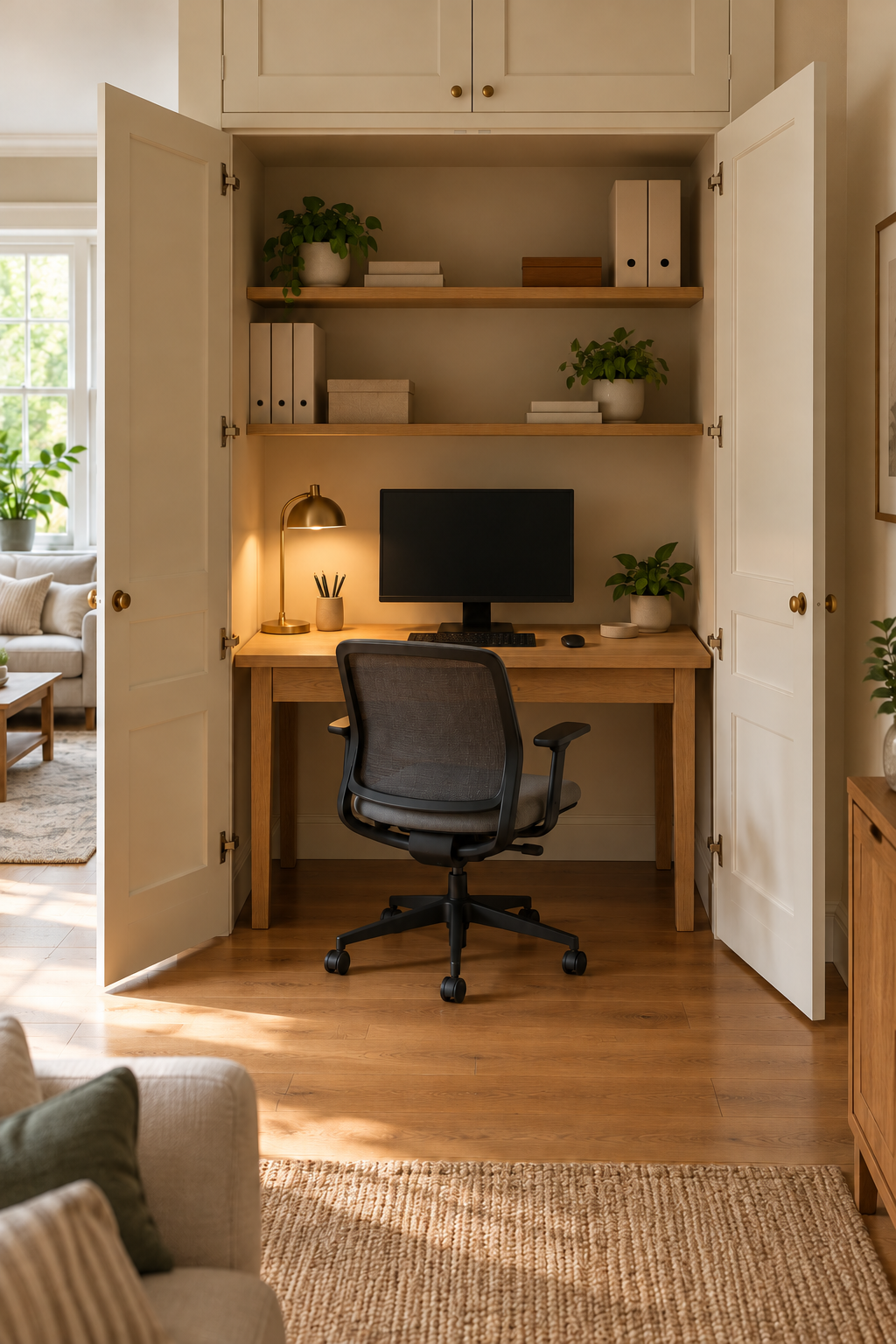
Arrangement: a full-depth desk with hinged doors
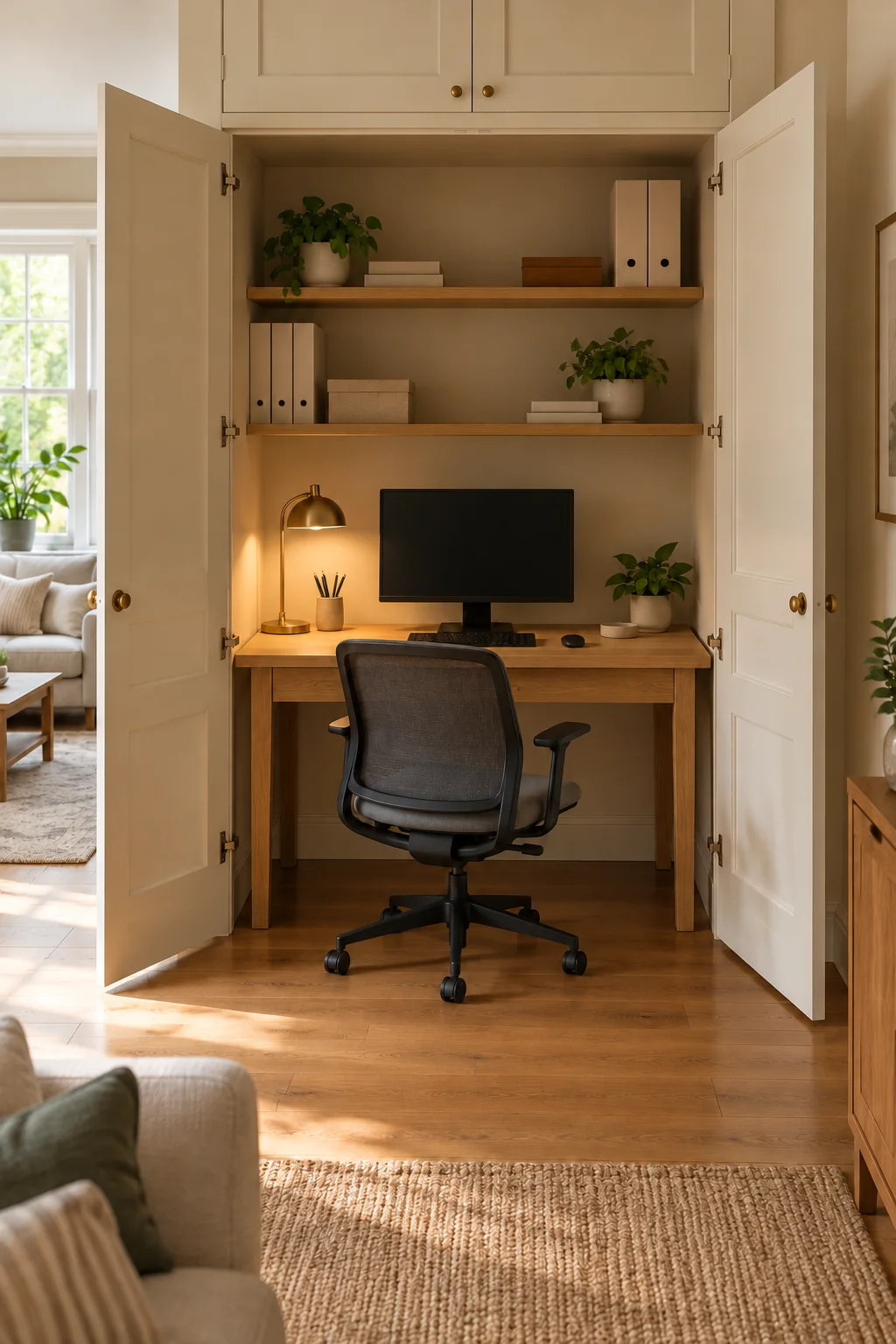
The first concept uses a wooden desk supported on its own legs inside a recessed opening. The doors remain open during use, and a compact monitor sits directly ahead. Upper shelves hold only light, accessible items; the working space under the desk stays clear. The desk is not a loose board resting on storage brackets, and the cupboard is not depicted as a sealed equipment enclosure.
- Check that the complete desk frame fits through the opening and does not collide with door hinges.
- Place the chair and screen together, reserving enough surface for the keyboard, mouse and actual writing tasks.
- Test the doors fully open through a work session, then complete the shutdown routine before closing.
Upper shelves should not force the screen or your head downward. Keep bulky files away from the area where you lean forward or stand. Do not assume every existing shelf supports a printer or other heavy equipment. Verify the shelf's loading information and the suitability of its fixings; move those items to another location if the cupboard cannot accommodate them safely.
Arrangement: a laptop desk behind folding doors
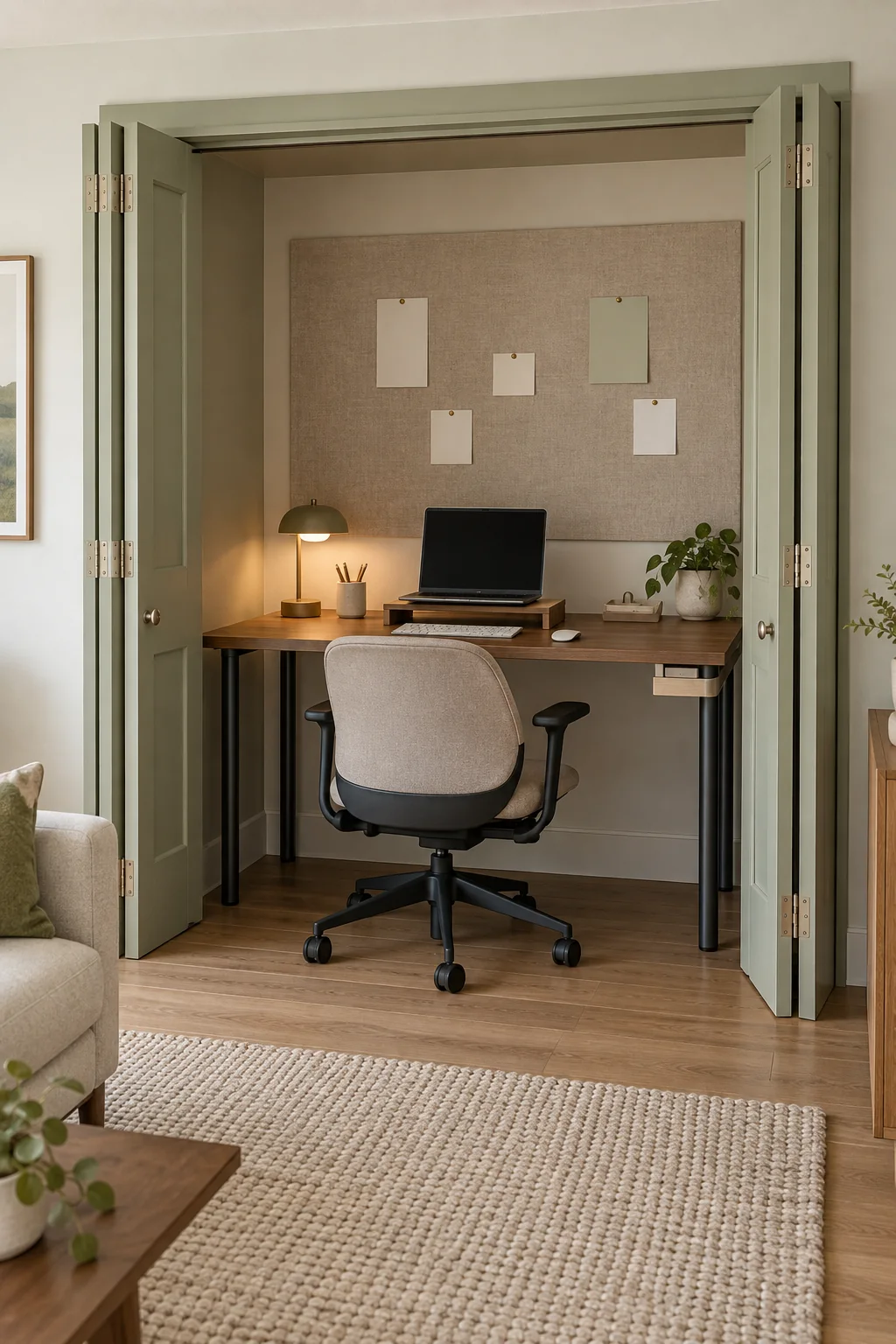
The second concept has doors that fold toward the sides and a deeper independent desk with a laptop stand, separate keyboard and mouse. A small side tray handles tools without occupying knee space. Removing upper storage from the main opening gives the screen and lamp room. This arrangement trades maximum storage for a more usable work position.
- Include folded door panels in the clear-width measurement; they still occupy space.
- Test the stand and input devices on the real top, keeping the laptop's intake and exhaust unobstructed.
- Reserve a safe parking place for the chair when the opening closes, outside the room's walking route.
If closing the doors requires moving every cable and device, consider whether the routine will happen reliably. A compact laptop can be easier to put away than a large multi-screen arrangement, but portability does not remove its ventilation needs. Keep liquids and plants away from the equipment and make any tray easy to remove without dragging leads.
Plan light, power and equipment temperature
A deep recess can be dim even when the room is bright. Use a suitable shaded task light that illuminates the work surface without reflecting directly in the screen. Check the view with daylight and artificial light. A screen facing straight toward a window may show reflections; change the device position or the window shading without blocking the cupboard doors.
Use equipment according to its maker's thermal and operating instructions. Keep intake and exhaust clear and leave the doors open while working. Before closing, shut down and store or disconnect devices as their instructions permit. Do not charge a laptop in a sealed unsuitable cupboard, cover vents with papers or improvise ventilation by cutting fixed panels. If the equipment needs a continuously ventilated location, give it one outside the closed enclosure.
Check where the socket and plugs are accessible. Keep cables clear of hinges and moving panels, and do not make hidden electrical modifications. Electrical Safety First advises against chained or overloaded extension leads in its UK guidance. Choose locally appropriate equipment and qualified help for electrical work rather than building a power arrangement from improvised adaptors.
Make the closure routine easy enough to use
- Save the work and place a short next-task note in its folder.
- Shut equipment down as appropriate and follow its storage and charging instructions.
- Return papers to a shallow tray, leaving ventilation paths and door movement clear.
- Check every lead is away from hinges, latches and the closing edge.
- Move the chair to its designated position and close the doors without forcing them.
Try this routine before buying accessories. A tray or pouch may be useful, but only when it solves a real pause-and-store task. Do not fill the cupboard so tightly that the keyboard, lamp or paper pile must be rearranged every morning. Leave space for opening the workstation, not just for storing its components.
Know when the cupboard should stay storage
If the opening cannot fit the person, chair and equipment comfortably, keep it for supplies and place the desk nearby. A visible desk with good fit can be more useful than a hidden desk that causes constant compromises. For paid home working, follow the individual assessment and requirements applicable to that situation; this guide does not replace an employer's workstation review.
The final test is an actual working session followed by closing and reopening. Review screen reach, lighting, heat, chair movement and door clearance. If the doors cannot stay open or close without trapping something, the plan is incomplete. Choose a layout where the hidden appearance is an added convenience after the working space has passed these checks.
Planning references reviewed on 21 October 2026
- OSHA: Computer workstation desks: Clear leg space and enough depth for directly positioned equipment; ergonomic guidance, not a domestic building standard.
- Electrical Safety First: Extension leads and adaptors: Avoiding overloaded or chained extension leads; UK electrical context, local products and rules may differ.
- IKEA: IDANÄS cabinet, article 204.588.23: Specific example requiring its supplied safety fitting and wall-appropriate fixings; not approval to convert this cabinet to an office.
Practical questions
Can I leave the laptop running after closing the doors?
Do not assume the cupboard is suitable for that. Follow the equipment maker's ventilation, operating and charging requirements. Our concept works with doors open during use and a shutdown/storage routine before closure; a continuously running device needs an appropriate ventilated location.
Can a wardrobe shelf become the desktop?
Only if the actual product and installation are designed and rated for the intended work loads and any conversion is permitted. Ordinary storage shelves may be too shallow or unsuitable. An independently supported desk in a suitable recess avoids making unsupported structural assumptions.
Is a cupboard office suitable for a rental?
It may be if it uses an existing suitable opening without unauthorized alterations. Obtain permission before changing fixed joinery or electrical work, and follow all required furniture securing instructions. A no-drill preference does not override a required safety fixing.
Keep the useful part.
Keep one visual reminder of this guide. The illustration suggests a direction; the practical steps and fit checks above help you adapt it to your own room.