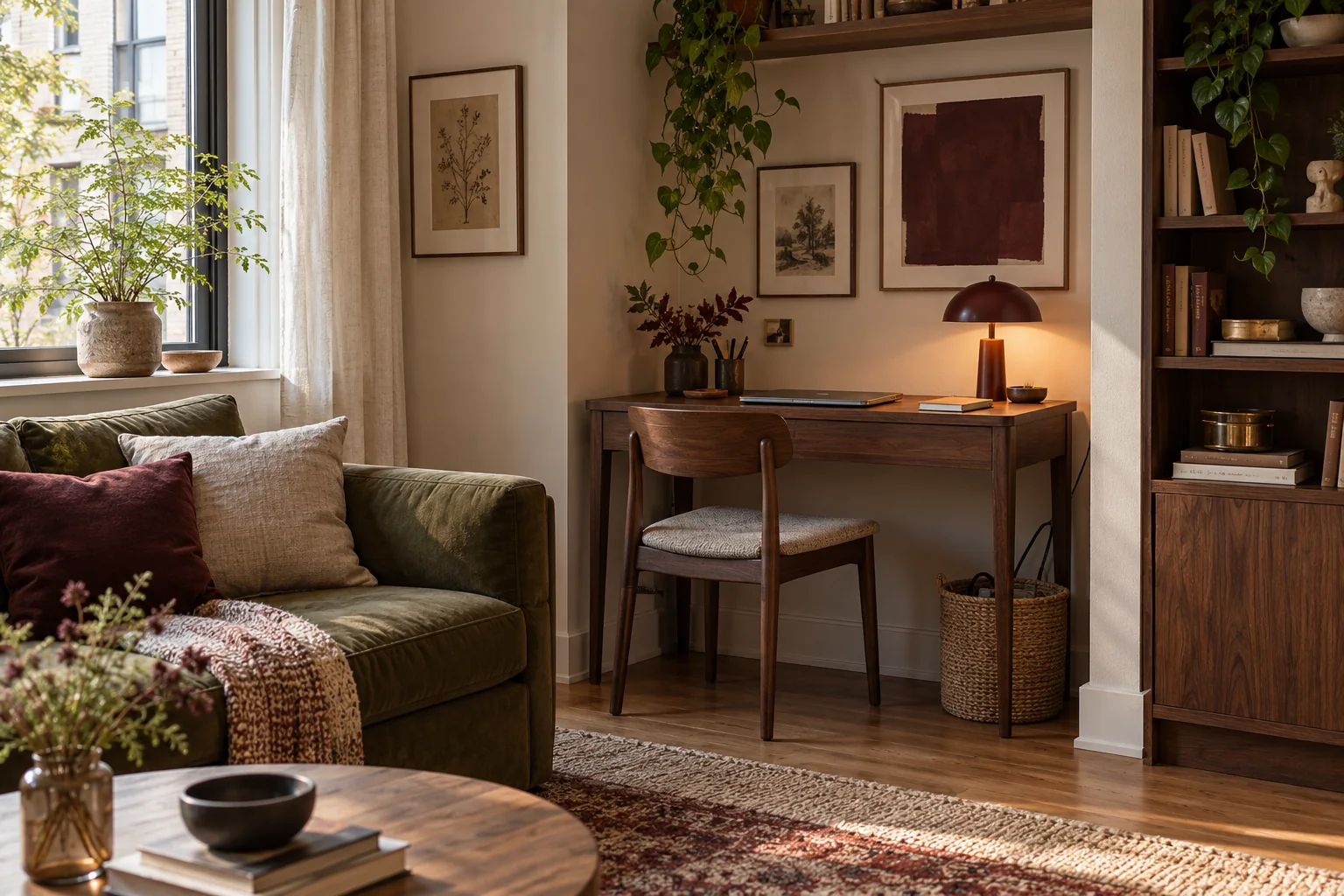
Choose the corner around your day
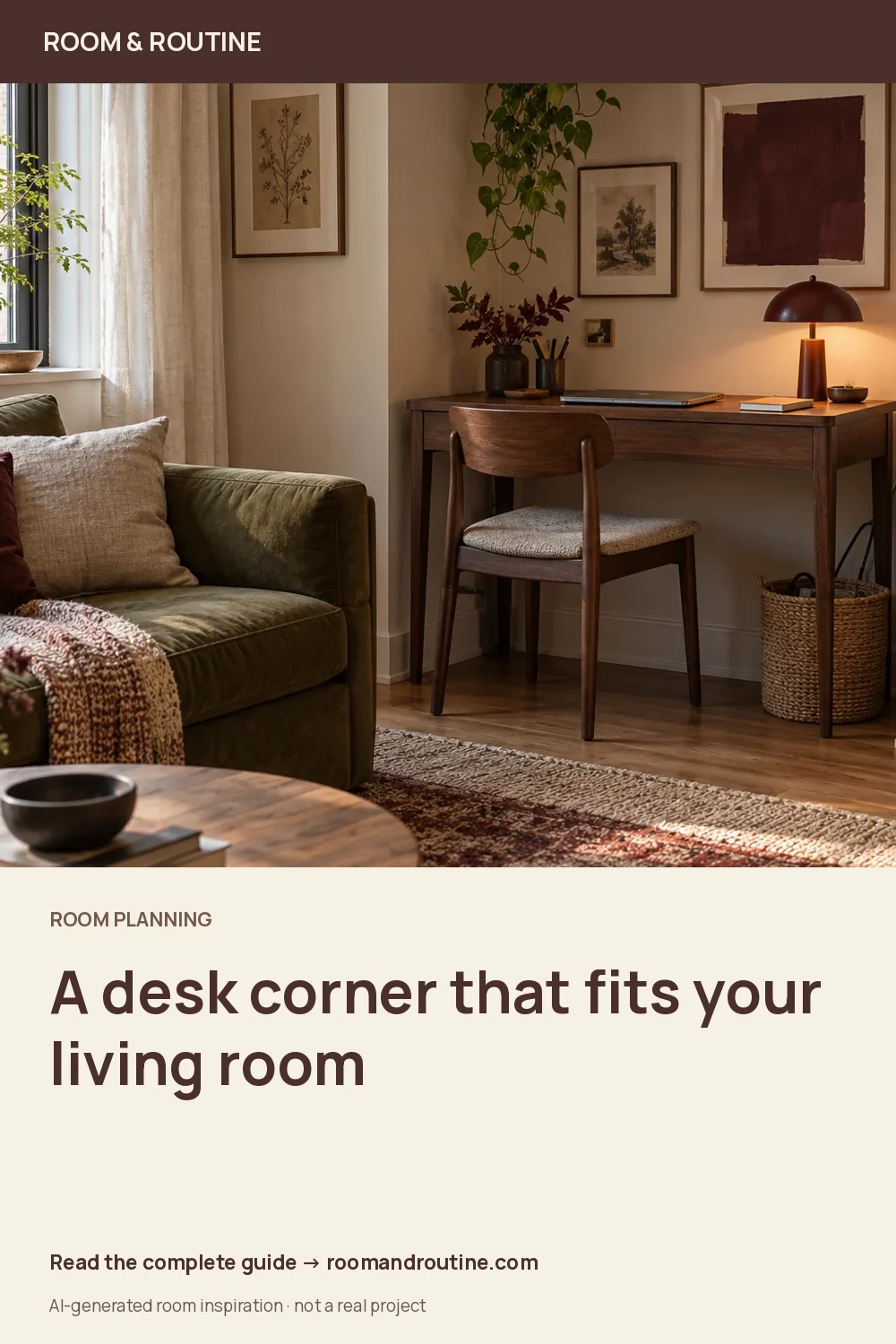
A small home office can fit into a living room without becoming the room's main event. The useful starting point is not a pretty desk. It is the stretch of space where you can sit, see your work and move away from the chair without interrupting everyone else.
Write down when you work, what equipment stays out and who shares the room. A laptop used for an hour has different needs from two monitors used all day. If the living room is also a play space, shared dining area or sleeping space, include the changeover in your plan.
Compare two possible corners. Look for daylight from the side, an accessible socket and a background that does not require moving the entire room before a call. A window behind the screen may create a large brightness difference; facing a window can introduce reflections. Test the screen at the hours you actually work.
Measure the working space, not just the desk
Mark the desk footprint with paper or removable markers suitable for your floor. Then put your current chair in place. Sit down, pull it back, stand up and walk towards the door. The chair's occupied position and its exit movement belong in the footprint.
Include a radiator, curtain, skirting board, door swing and the handles of nearby storage. A desk that fits between two walls can still prevent a cabinet from opening. Measure the usable width at desk height as well as at the floor, especially below a sloping ceiling or beside a deep windowsill.
For an example, suppose a corner has 125 cm of clear wall and you are comparing 100 cm and 120 cm desks. The wider option leaves only 5 cm across both sides before accounting for skirting or a plug. The narrower desk provides more tolerance. Neither measurement tells you whether your chair, screen and knees fit: test those separately.
Use Layout Lab to compare the footprints with your sofa. The tool uses the dimensions you enter; it cannot identify sockets or decide whether your chair is comfortable.
Choose the desk for the work it holds
| Choice | Works well when | Check first |
|---|---|---|
| Compact fixed desk | Work stays in one place | Depth for the screen, keyboard and forearms |
| Folding desk | The room changes use daily | Setup effort and a real place to store it |
| Existing dining table | Work is occasional | Meal changeover and somewhere to put equipment |
A shallow console can look like a desk in a photograph while leaving too little working depth. Draw your keyboard, notebook and screen base on paper at their actual sizes. Keep the things you need at the same time in the drawing. If they only fit by overlapping, choose a deeper surface or reduce the equipment.
Check the underside too. A drawer or stretcher can occupy knee space even when the top is large enough. Use a chair suited to the time spent working, and follow the chair and equipment adjustment guidance. A small footprint is only useful if you can use it comfortably.
Give light and cables a deliberate route
Add a task light you can aim at the work without putting a bright reflection on the screen. Try it after sunset before changing the room's ceiling lighting. Our lighting guide can help you keep the desk light and the living room's evening light as separate choices.
Trace each cable from equipment to its socket. Keep it away from chair wheels and the main walking route; do not hide an overloaded extension behind furniture. Follow the electrical products' instructions. A removable cable channel, suitable clips or a basket for loose accessories may be enough; a basket is not a place to cover hot adapters.
Make the workday easy to close
Choose one portable container for the notebook, charger and small work items. Put frequently used items near the desk and occasional paperwork elsewhere. This is a storage decision, not a requirement to make your working life invisible.
Finish the day by closing the laptop, collecting loose papers and putting the chair in its resting position. If packing away takes fifteen minutes, reduce the number of separate containers. A simple repeatable action will do more for a shared living room than an elaborate display of matching accessories.
Try it for a week before adding more
- Can someone pass while you are seated?
- Can nearby doors and drawers open fully?
- Does daylight change the screen's readability?
- Can you reach the items you use without twisting around storage?
- Does the desk return to a tidy resting state easily?
Keep a short note of the one thing that interrupts you each day. Solve the repeated problem first: a cable route, a missing work tray or a chair that cannot move. For the rest of the room, use the small living-room layout guide to keep seating and circulation working together.
Keep the useful part.
Save the full guide to Pinterest or download a vertical graphic. Room imagery is illustrative and AI-generated, not a photographed result.